Messaging apps have quietly become the busiest storefronts on the internet. Customers now expect to ask a question on Telegram or WhatsApp and get an answer in seconds, not hours. That expectation is exactly why so many teams are turning to a no code chatbot builder to power their sales conversations instead of waiting weeks for a developer to write custom integrations. This article walks through what to look for in these tools, how to actually build a working sales bot, and how to connect it to a CRM so leads don't disappear into a chat log.
Why Businesses Are Switching to No-Code Chatbot Builders
A few years ago, launching a chatbot meant hiring a developer, writing webhook handlers, and maintaining server infrastructure just to answer "what are your prices?" That barrier kept automation out of reach for small sales teams and solo founders. No-code platforms flipped that equation. Now anyone who can drag a box onto a canvas can build a chatbot without coding, publish it, and start collecting leads the same afternoon.
The shift isn't just about convenience — it's about speed of iteration. When a sales manager notices a flow isn't converting, they can edit the message copy or add a branch themselves instead of filing a ticket and waiting for a sprint cycle. This tight feedback loop matters more than it sounds: a bot that takes two weeks to update is a bot that stops matching what customers actually ask.
There's also a channel dimension driving adoption. Telegram and WhatsApp aren't side channels anymore — for many businesses in retail, real estate, education, and services, they're the primary point of contact. A no-code builder that natively supports both lets a single team run one consistent sales process across the apps their customers already have open all day.
What to Look for in a No-Code Chatbot Builder for Sales
Not every drag and drop chatbot builder is built for sales. Many were designed for FAQ deflection or customer support, which means they're missing pieces a revenue team actually needs. Before committing to a platform, check for these:
- True multi-channel support. Building separate bots for Telegram and WhatsApp with different logic is a maintenance headache. Look for a builder that lets you manage both from one flow editor.
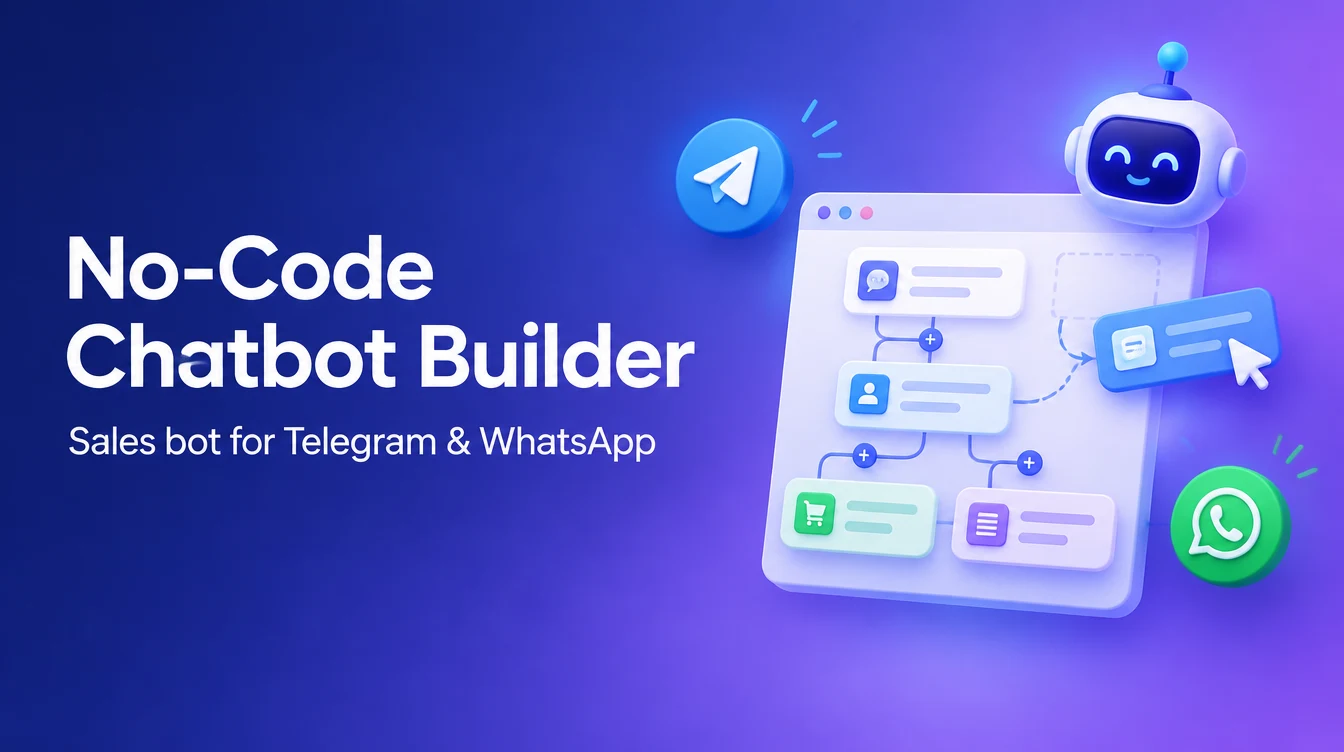
- A visual flow canvas, not just menus. A proper drag and drop chatbot builder should let you see the whole conversation path — branches, conditions, delays — at a glance, so you can spot dead ends before customers do.
- Native lead capture and tagging. The bot should be able to tag a contact as "hot lead" or "pricing objection" based on their answers, not just log a transcript.
- CRM connectivity built in. If leads captured by the bot don't flow into a pipeline your sales team already watches, someone has to copy-paste them manually — and that's where leads get lost.
- Room to add AI without starting over. Rule-based flows handle 80% of questions well, but you'll eventually want an AI layer for the unpredictable 20%. Choose a platform that lets you add that later rather than switching tools.
- Team inbox handoff. When the bot hits its limit, a human rep should be able to jump into the same conversation thread without asking the customer to repeat themselves.
Torro was built around this exact checklist — a shared team inbox, kanban pipeline, and no-code automation builder sitting on top of Telegram and WhatsApp, so the bot and the human sales process live in the same place instead of two disconnected systems.
Building Your First Telegram Sales Bot in Minutes
Telegram is often the easiest place to start because connecting a bot is a matter of minutes, not days. Using a telegram bot builder no code platform, the typical setup looks like this:
- Create a bot token through Telegram's BotFather and paste it into your builder — no server setup required.
- Design a welcome flow that greets new contacts, asks one or two qualifying questions (budget, timeline, interest), and routes them accordingly.
- Add buttons instead of relying on free text where possible. Buttons reduce ambiguity and make the flow feel snappier.
- Set up a fallback path for anything outside the expected answers, either escalating to a human or triggering an AI response.
- Test the bot yourself as a customer would, sending odd or incomplete answers to see how gracefully it recovers.

Because Telegram bots are quick to deploy, they're a good sandbox for testing your sales script before rolling the same logic out to WhatsApp, where customer volume is often higher and mistakes are more visible.

Launching a WhatsApp Chatbot Without Writing a Line of Code
WhatsApp is where most no-code ambitions hit a wall — not because the flow logic is different, but because of how you connect. There are two paths, and the right one depends on your volume and compliance needs.
| Connection Method | Best For | Considerations |
|---|---|---|
| WhatsApp Business API | Growing teams, higher message volume, multiple agents | Requires business verification; supports broadcasts and official templates; more stable for scale |
| Linked device | Solo founders or small teams testing the waters | Uses your existing WhatsApp number via QR-style linking; faster to set up; better suited to lower volume |
A good whatsapp bot builder no code platform, like Torro, supports both connection methods so you can start with a linked device to validate your sales flow, then move to the API once volume justifies it — without rebuilding your automation from scratch. Once connected, the actual bot-building steps mirror what you'd do on Telegram: welcome message, qualifying questions, branching logic, and a clear handoff point. The main difference is discipline around messaging templates and response windows, since WhatsApp enforces stricter rules than Telegram about who can message first and when.
How an AI Sales Agent Turns Conversations into Revenue
Rule-based flows are predictable, but customers don't always answer in predictable ways. Someone might type "do you ship to Canada and also do you have a warranty" in one message — a scripted button flow has no good response to that. This is where an ai sales bot for telegram and WhatsApp earns its place: it reads the actual intent behind a message, answers naturally, and still knows when to steer the conversation back toward a sale.
A well-configured AI sales agent typically handles:
- Answering product and pricing questions in natural language, pulling from your knowledge base instead of a rigid script.
- Qualifying leads by asking clarifying follow-up questions when the customer's intent is vague.
- Recognizing buying signals — phrases like "how do I pay" or "can I get a discount" — and prioritizing that conversation for a human rep.
- Handling objections with pre-approved talking points rather than escalating every hesitation to a person.
- Working alongside rule-based flows rather than replacing them — buttons handle the predictable 80%, AI handles the messy 20%.

The goal isn't to remove humans from sales; it's to make sure every lead gets an immediate, relevant reply at 2am on a Saturday, and that your sales team only steps in once the conversation is warm enough to matter.

Connecting Your Chatbot to CRM for Seamless Lead Management
A chatbot that captures leads but doesn't organize them creates a new problem instead of solving the old one. Every conversation should land somewhere your team can act on it — that's the difference between a chatbot as a novelty and a chatbot as a sales channel.
In practice, this means the bot's output should automatically:
- Create or update a contact record with whatever details were collected during qualification.
- Drop the lead into the right stage of a kanban pipeline based on how they answered — "new inquiry," "qualified," "needs follow-up," and so on.
- Tag the conversation so reps can filter by source, product interest, or urgency.
- Notify the assigned rep through a shared team inbox, so no lead sits unseen because it landed in someone's personal phone notifications.

This is the piece that separates a standalone bot tool from a proper messenger-first CRM. Torro's automation builder feeds directly into its own pipeline and shared inbox, so a lead that starts as a Telegram message or WhatsApp reply ends up as a card on a board your sales team already checks — no exporting spreadsheets, no manual re-entry, no lead going cold because it was buried in a chat app nobody monitors after 6pm.
Getting Started: From Zero to a Live Sales Bot Today
You don't need a roadmap meeting or a developer sprint to launch your first bot. A realistic first day looks like this: connect one channel (Telegram is usually fastest to test), sketch a simple welcome-and-qualify flow, add a fallback to AI or a human for anything unexpected, and connect the output to your pipeline so leads land somewhere visible.
From there, expand gradually — add WhatsApp once the Telegram flow feels solid, layer in an AI sales agent for the questions your flow can't anticipate, and use broadcast tools to re-engage contacts who went quiet. The businesses that get the most out of a no-code chatbot builder aren't the ones with the most complex flows on day one — they're the ones who ship something small, watch how real customers respond, and keep adjusting from there.