Torro CRM now has a mobile app for Android. The iOS version is in progress, and we will announce it separately.
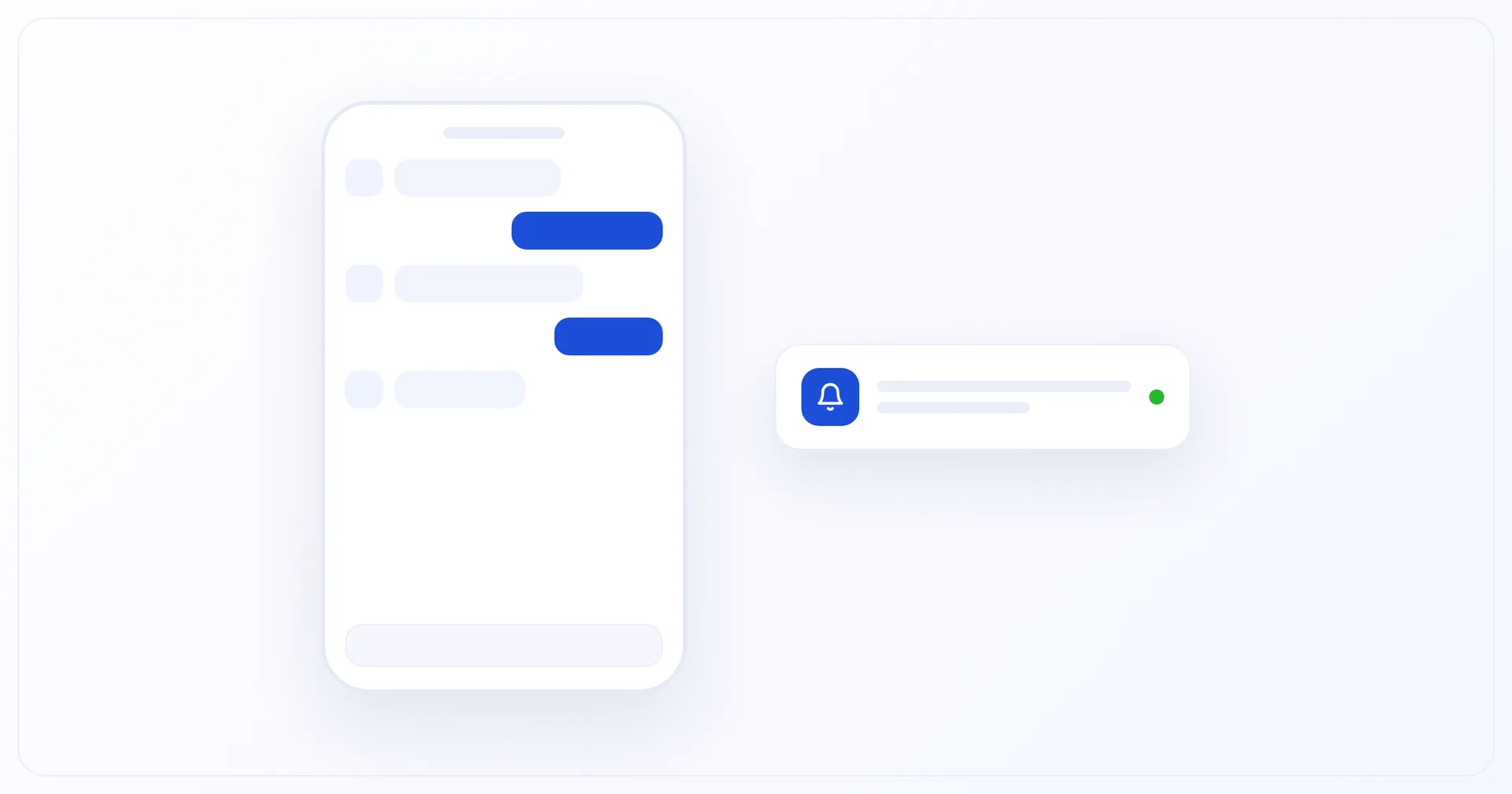
The app mirrors the web CRM: conversations with clients across every connected channel — with photos, files, voice messages and video notes — plus client cards, tasks, contacts, filters, a dark theme and four interface languages. Push notifications about new messages and tasks arrive on the phone, so an operator can reply without opening a computer.
Download the app
Until the app is in the stores, the direct download is the main way to install it. The link always points to the current build.
Build details
Version | 1.0.3 |
|---|---|
Updated | 26.08.2026 |
Size | 27 MB |
Requirements | Android 8.0 or later |
What's new | Second release: chats with media, client cards, tasks, contacts, filters, dark theme |
How to install
Open the link on your phone and wait for the file to download.
Allow installation of apps from this source — Android will offer this when you open the file.
Open the downloaded file and confirm the installation.
Sign in with your work Torro CRM account — the same one you use in the web version.
Android will warn you about an app installed outside the store. For a build distributed through a direct link, that is expected.
App stores
The Google Play and App Store versions are being prepared for publication. Until then, the direct download above is the way to install the app.
Feedback
If the app does not behave the way you expect, write to the support chat or to [email protected]. Bug reports and requests shape what goes into the next builds.